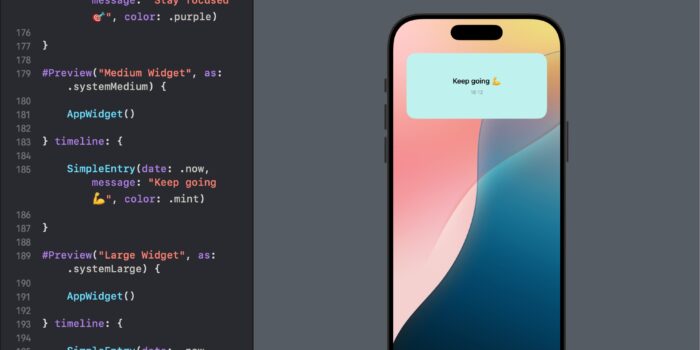
Want to bring widgets to your SwiftUI app but not sure where to begin? This…
Simplifying SwiftUI Data Bindings with @Bindable

Introduction to @Bindable
In SwiftUI, @Bindable is a property wrapper designed to create two-way bindings between UI components and observable objects. This allows for real-time UI interactions that reflect changes in the underlying data model, ensuring your views stay updated and interactive.
Step 1: Setting Up the Observable Object
First, we define a TimerManager class, which will keep track of time in our example, showcasing a timer functionality that users can start or stop.
import SwiftUI

@Observable
class TimerManager: ObservableObject {
    var time = 0
    var timer: Timer?
    var isRunning = false

    func start() {
        isRunning = true
        timer = Timer.scheduledTimer(withTimeInterval: 1, repeats: true) { _ in
            self.time += 1
        }
    }

    func stop() {
        isRunning = false
        timer?.invalidate()
        timer = nil
    }
}
Step 2: Creating the Timer Control View
We’ll build a TimerView that uses @Bindable to interact with the TimerManager object for starting and stopping the timer.
struct TimerView: View {
    @Bindable var timerManager: TimerManager

    var body: some View {
        VStack {
            Text("Time: \(timerManager.time)")
            Button(timerManager.isRunning ? "Stop" : "Start") {
                if timerManager.isRunning {
                    timerManager.stop()
                } else {
                    timerManager.start()
                }
            }
        }
    }
}
Step 3: Implementing in ContentView
In ContentView, we instantiate TimerManager and pass it to TimerView. This demonstrates the real-time interaction with the TimerManager through the UI.
struct ContentView: View {
    var timerManager = TimerManager()

    var body: some View {
        TimerView(timerManager: timerManager)
    }
}
Conclusion
This example illustrates the power of @Bindable in creating highly interactive and responsive UIs in SwiftUI. By binding UI components directly to observable object properties, @Bindable ensures that the UI stays consistent with the application state, providing an intuitive and responsive user experience. This approach simplifies state management in SwiftUI, reducing boilerplate and enhancing code readability and maintainability.
Exploring @Bindable Further
To deepen your understanding of @Bindable, consider experimenting by adding more functionality to the TimerManager, such as resetting the timer or adding lap functionalities. This will give you hands-on experience with @Bindable and its potential to facilitate complex data interactions in SwiftUI.

Related Posts