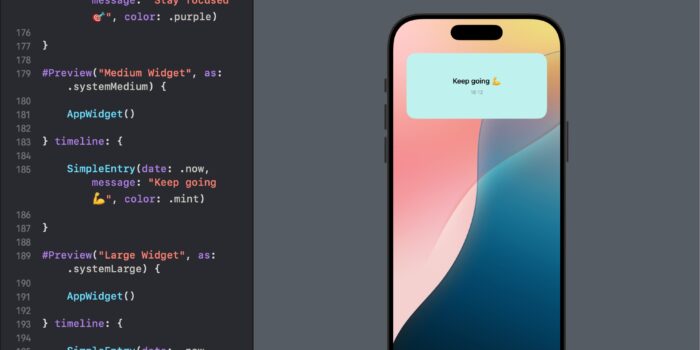
Want to bring widgets to your SwiftUI app but not sure where to begin? This…
Link, ShareLink, SharePreview, and HelpLink in SwiftUI

SwiftUI provides a variety of tools to enhance app navigation and data sharing. In this tutorial, we will explore how to use Link, ShareLink, SharePreview, and HelpLink. Each component serves a unique purpose from navigating to URLs, sharing content, previewing shared items, to accessing help documentation directly within your app.
Using Link in SwiftUI
Link is a fundamental component in SwiftUI that allows you to create clickable text or views that navigate to a URL or handle URL requests within the app.
Example: Creating a Simple Link
import SwiftUI

struct ContentView: View {
    var body: some View {
        Link("Visit Our Website", destination: URL(string: "https://appmakers.dev")!)
    }
}
What’s Happening:
- This
Linkprovides a direct connection to “appmakers.dev“. - Tapping the link opens the URL in the default web browser.
Using ShareLink for Content Sharing
ShareLink enhances SwiftUI apps by integrating a native sharing interface that users are familiar with from iOS.
Example: Sharing a URL with ShareLink
import SwiftUI

struct ShareContentView: View {
    var body: some View {
        ShareLink("Share this post", item: URL(string: "https://appmakers.dev/learn-swiftui-handbook/)!)
    }
}
What’s Happening:
- A button labeled “Share this post” is displayed.
- Tapping the button brings up the iOS share sheet, allowing the user to share the URL via different apps or services.
Using SharePreview to Enhance Shared Content
SharePreview allows you to define how the shared content appears in the share sheet, providing a more tailored sharing experience.
Example: Customizing Share Preview
import SwiftUI

struct CustomShareView: View {
    var body: some View {
        ShareLink(item: URL(string: "https://appmakers.dev")!) {
            SharePreview("Check out this website!", image: Image(systemName: "globe"))
        }
    }
}
What’s Happening:
- The
ShareLinknot only shares a URL but also usesSharePreviewto add a custom message and an icon to the share sheet.
Implementing HelpLink for User Assistance
HelpLink provides a straightforward way to link to help documentation or perform a help-related action.
Example: Using HelpLink with a URL
import SwiftUI

struct HelpView: View {
    var body: some View {
        HelpLink(destination: URL(string: "https://appmakers.dev")!)
    }
}
What’s Happening:
- The
HelpLinkdirects users to an online help article. - This is useful for providing direct assistance within the app.
Conclusion
Using Link, ShareLink, SharePreview, and HelpLink in SwiftUI enables you to build rich, interactive, and user-friendly interfaces. These components not only simplify navigation and data sharing but also enhance the overall user experience by making information and assistance more accessible. Experiment with these tools to discover new ways to engage users and improve the functionality of your iOS apps.

Related Posts