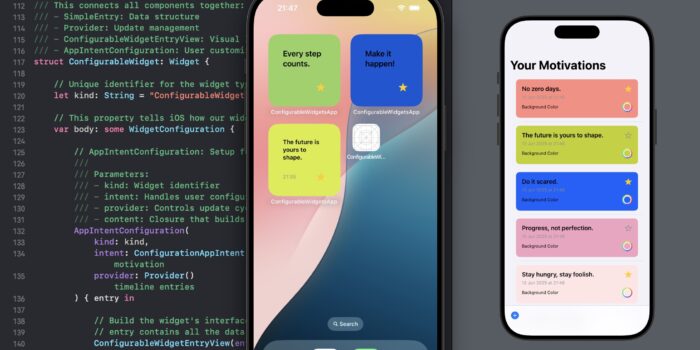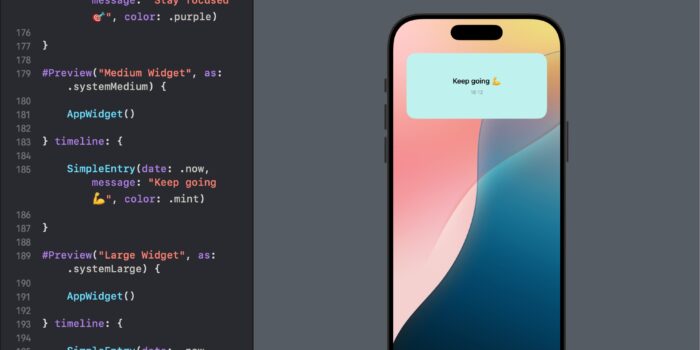
In this comprehensive tutorial, we’ll guide you through the process of constructing a fully functional…
SwiftUI Stack Views – HStack, VStack, LazyHStack, and LazyVStack

SwiftUI offers a range of stack views for building flexible and efficient layouts. Understanding stack views is crucial for any iOS developer aiming to create responsive and performant applications. We will guide you through using HStack, VStack, LazyHStack, and LazyVStack.
HStack and VStack: The Basics
HStack and VStack are horizontal and vertical stack views, respectively. They are the building blocks for most SwiftUI layouts.
import SwiftUI

struct ContentView: View {
    var body: some View {
        VStack {
            HStack {
                Text("Left")
                Spacer() // Pushes elements to the edges
                Text("Right")
            }
            HStack {
                Text("Bottom")
            }
        }
    }
}
This code creates a vertical stack containing two horizontal stacks. The Spacer in the first HStack pushes the texts apart.
LazyHStack and LazyVStack: Performance Optimized Stacks
LazyHStack and LazyVStack load their content on demand, making them ideal for handling a large number of views.
struct ContentView: View {
    var body: some View {
        ScrollView {
            LazyVStack {
                ForEach(0..<1000, id: \.self) { index in
                    Text("Row \(index)")
                }
            }
        }
    }
}
This LazyVStack within a ScrollView efficiently handles a thousand rows, loading them as needed.
Grouping Data in Lazy Stack Views
Grouping data in lazy stacks is useful for categorizing content in a structured way.
import SwiftUI

struct ContentView: View {
    // Define a structure for the section data
    struct SectionData {
        let sectionID: Int
        let items: [String]
    }

    // Create an array of sections, each with its own items
    let sections = (0..<10).map { sectionID in
        SectionData(sectionID: sectionID, items: (0..<5).map { "Item \($0) in Section \(sectionID)" })
    }

    var body: some View {
        ScrollView {
            LazyVStack(alignment: .leading) {
                ForEach(sections, id: \.sectionID) { sectionData in
                    Section(header: Text("Section \(sectionData.sectionID)")) {
                        ForEach(sectionData.items, id: \.self) { item in
                            Text(item)
                        }
                    }
                }
            }
        }
    }
}
- We define a
SectionDatastructure to hold the section ID and its corresponding items. - We create an array of
SectionData, where each section has its own set of items. - We use this array in the
ForEachto create sections and items.
PinnedScrollableViews: Sticky Headers and Footers
PinnedScrollableViews in SwiftUI allows for creating sticky headers or footers in a scrollable view.
Example: Pinned Headers in LazyVStack
struct ContentView: View {
    var body: some View {
        ScrollView(.vertical, showsIndicators: false) {
            LazyVStack(pinnedViews: [.sectionHeaders]) {
                Section(header: Text("Header").padding().background(Color.gray)) {
                    ForEach(0..<50, id: \.self) { index in
                        Text("Row \(index)")
                    }
                }
            }
        }
    }
}
This creates a LazyVStack with a header that remains pinned at the top as you scroll.
ZStack
If you want to learn about how to layer views on z axis, check this: ZStack
Conclusion
SwiftUI’s stack views offer a robust and versatile way to build layouts for iOS apps. Whether you need a simple layout with HStack and VStack, or a more complex, performance-optimized layout with LazyHStack and LazyVStack, SwiftUI has the tools you need. Understanding and utilizing these stack views effectively can greatly enhance the user experience and performance of your iOS applications.

Related Posts